Quick answer
Equip your chisel, pruner or trowel, approach a compatible target and use its interaction prompt. A developer confirms that these tools do not need to be held; their PC example uses E.
How to use gathering tools
- Make sure the relevant tool is equipped.
- Move close enough to a compatible object for its prompt to appear.
- Use the interaction button shown on screen.
- Check the result before assuming the tool failed.
Why you cannot hold the chisel
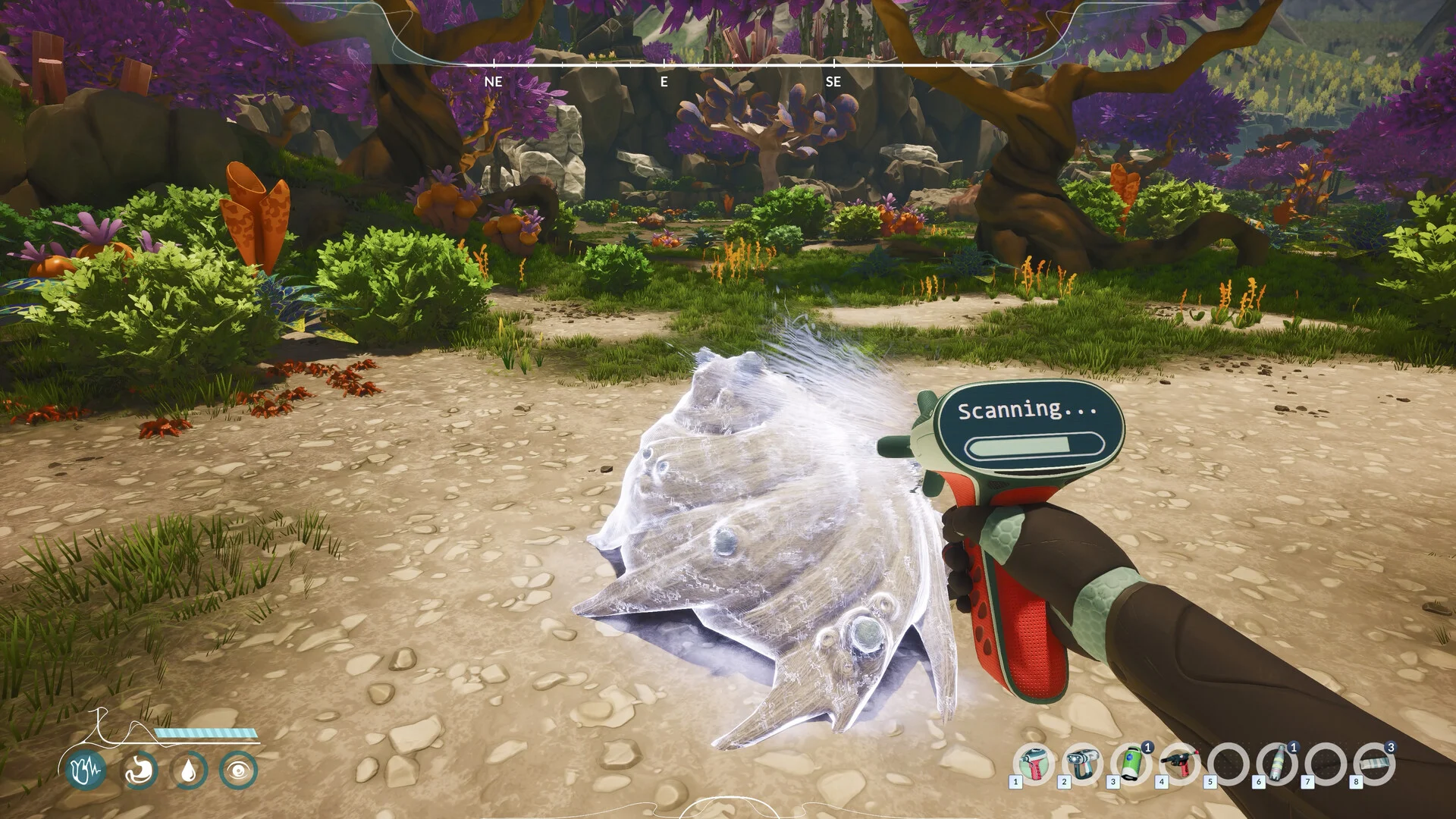
The developer distinguishes equipped gathering tools from held gadgets such as the scanner. Trying to put a chisel into your hands can make a working system look broken. The clarification was posted in response to a player who could not use the chisel and trowel.
If there is still no interaction
- Confirm that the tool is equipped, not merely present in your inventory.
- Try the relevant target rather than an unrelated plant or rock.
- Follow the prompt for your current control scheme.
- If it still fails, include the target and equipped tool in a bug report.
Sources & verification
Sources checked September 8, 2026. This guide is based on published information, not a full-game playtest. Unverified details are identified above.